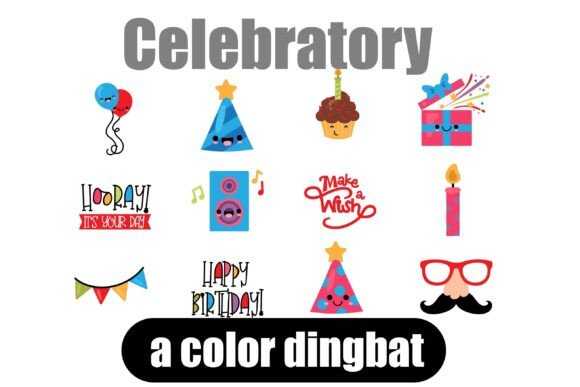
Celebrate Design with Kawaii Dingbat Fonts
Understanding Dingbat Fonts in Visual Design
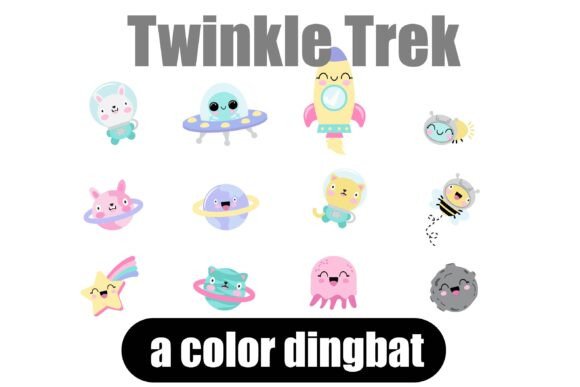
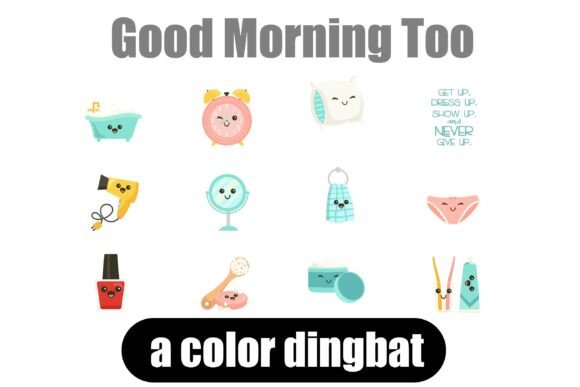
Dingbat fonts function as typographic symbol sets. Each character key on your keyboard is mapped to a unique graphic. This method offers significant advantages over inserting individual image files. You maintain perfect consistency in size and style across all icons, and you can scale them without loss of quality. For designers building a brand identity or marketing campaign, this consistency is crucial for a polished, professional presentation. The Celebratory font, with its kawaii-style party elements, taps into current design trends that favor playful, approachable aesthetics, making it ideal for brands targeting a younger demographic or those wanting to convey joy and community.
Practical Applications for Creative Projects
The true power of a resource like the Celebratory Dingbat Font lies in its versatility. Its applications span numerous areas of graphic and visual design, directly impacting user engagement and brand perception.
- Branding and Marketing: Use celebratory icons as secondary logos, social media profile accents, or in email marketing headers to create excitement around launches, sales, or milestones.
- Packaging and Merchandise: Add unique, cohesive flair to product labels, hang tags, and merchandise graphics, strengthening brand recall at the point of sale.
- Digital and Web Design: Enhance UI elements, create engaging web banners, or design eye-catching digital advertisements. The icons can serve as delightful micro-interactions or section dividers.
- Editorial and Content Creation: Elevate newsletter layouts, blog post graphics, and presentation slides, guiding the reader's eye and breaking up text-heavy content with visual interest.
Tips for Effective Implementation
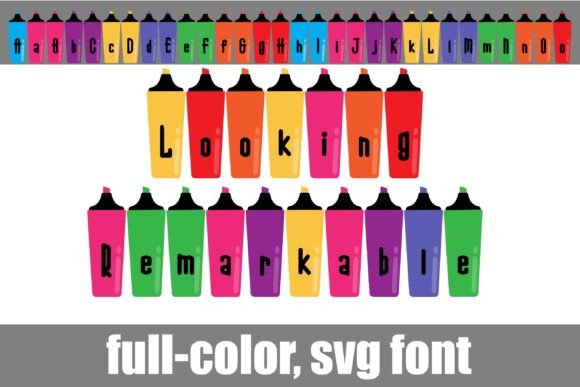
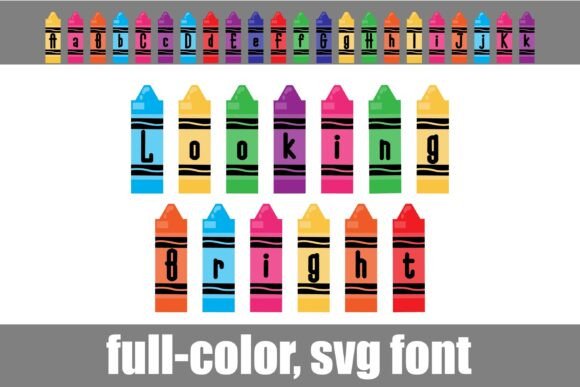
Integrating any new design asset requires thoughtful consideration. To use dingbat fonts effectively, start by ensuring compatibility. OpenType full-color (SVG) fonts, like Celebratory, are installed like any normal .otf font. They display in vibrant color in supporting programs such as Adobe Creative Suite, Silhouette Studio, and Quark. In non-compatible software, they will render as black outlines.
When applying these elements, consider your overall color palette and typography. The icons should complement your primary typeface, not compete with it. Use them to establish visual hierarchy—perhaps as bullet points in a list or as standalone graphics to highlight key information. Always preview your work in the final output medium, whether print or digital, to ensure the icons maintain their intended impact and readability.
Ultimately, thoughtful design choices are about solving problems and telling a story. Quality creative assets, whether typefaces, icons, or templates, are tools that empower you to communicate more effectively and beautifully. By strategically incorporating elements like the Celebratory Dingbat Font, you can streamline your design workflow, inject necessary personality into your projects, and create visuals that truly resonate with your audience, turning every project into a cause for celebration.